


Instructor Training
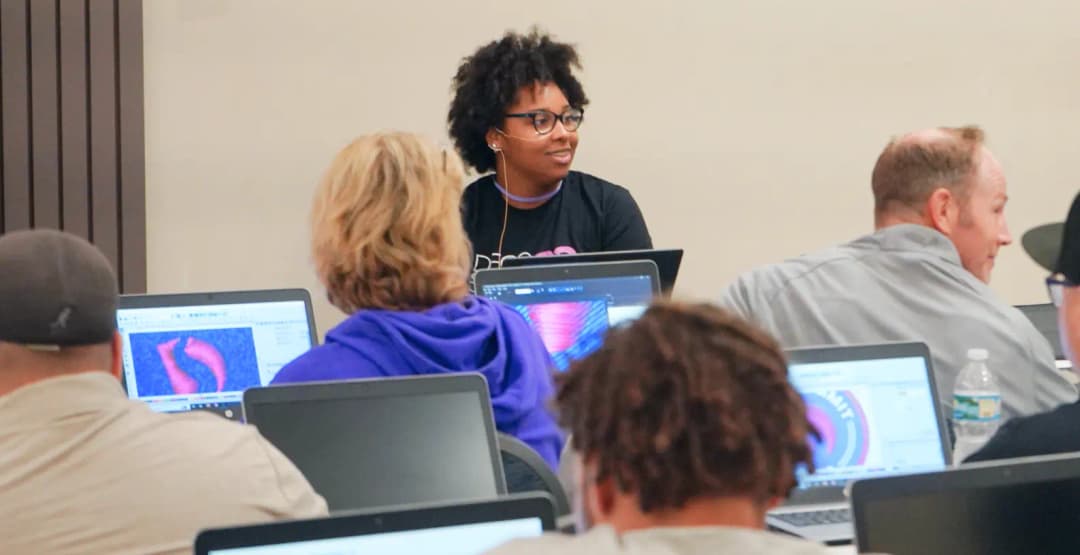
Training Classes Available
Accessing our premium instructor training is a breeze for customers subscribed to our model. Simply utilize your dedicated customer portal to schedule and secure your training sessions. Maximize the benefits of our program by reserving your spot today.
*Exclusively available for active Chroma customers.
Explore these diverse digitizing courses and more!
Sign up for a Chroma digitizing software plan and unlock the customer portal for valuable features, benefits, and training resources. Become a digitizing wizard in no time.

In this course, we will begin with the very basics of digitizing. We will cover different stitch types, editing options, manual digitizing, auto digitizing, text, and more!
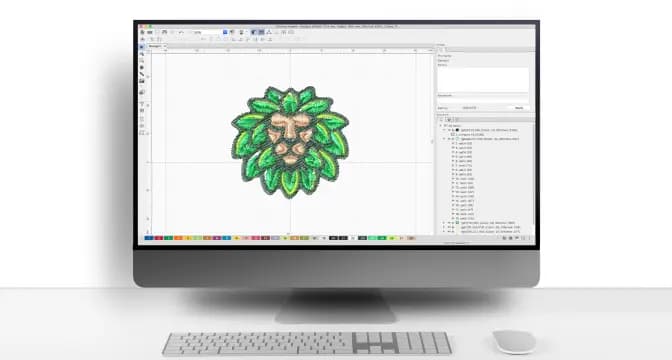
We will use the different stitch types and show how to create curves, how to edit and how to make common shapes using the artwork tool.

In this webinar, we will cover the pros and cons of digitizing manually and using the auto-digitizing feature.
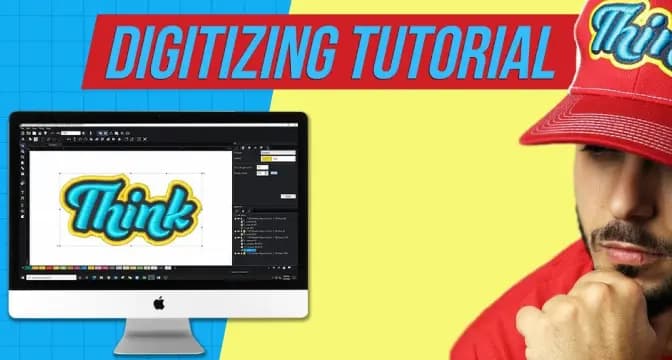
We will create a 3D Puff design from scratch. We will use tools that are available in Chroma Plus and Luxe.
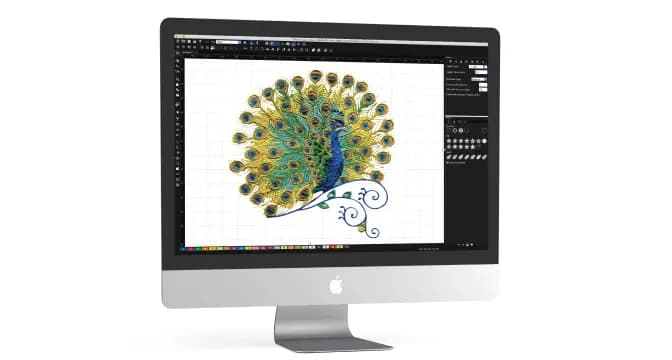
In this webinar, we will go through all of the settings tabs at the top right side of your screen. This is a class for intermediate or advanced users.
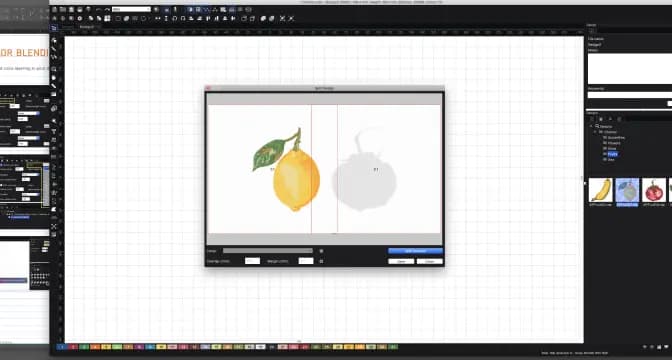
We will cover some common errors we see in beginner files, how to adjust, and what to look out for!

Come with your questions we will do an open Q&A! We can discuss colors, stitch types, auto vs manual digitizing, text tools, and more!
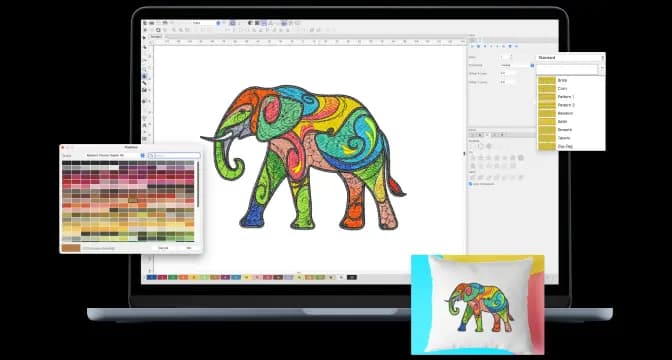
In this course, we will talk about how to sequence a file correctly, how to edit the start and stop points, sequencing for a cap, and also jump stitches/trims.